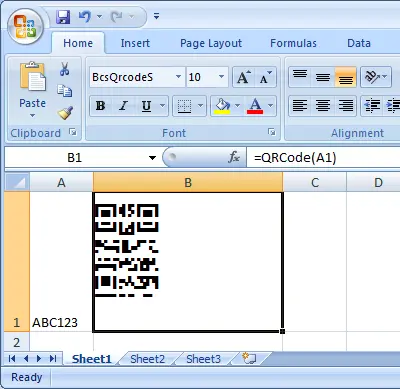
QR Code



Generate QRCode in MS Excel
To generate QR Code in Excel spreadsheet: enable VBA macro in Trust Macro Settings. Press F11 to launch Visual Basic Window. Establish Library Reference referencing cruflbcs.dll library, importing barcodesoft.bas, applying the =qrcode(A1) formula, and formatting cell typography with the BcsQrcodeS barcode font.
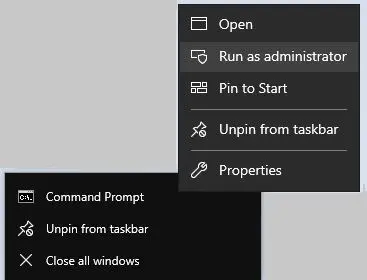
Step 1. Right click command prompt and run command prompt as administrator.
cd "C:\Program Files\Common Files\Barcodesoft\FontUtil"
%systemroot%\System32\regsvr32.exe cruflbcs_x64.dllcd "C:\Program Files (x86)\Common Files\Barcodesoft\FontUtil"
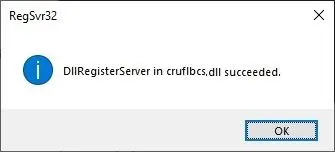
regsvr32.exe cruflbcs.dll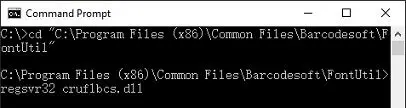
Step 2. Start Microsoft® Excel®.
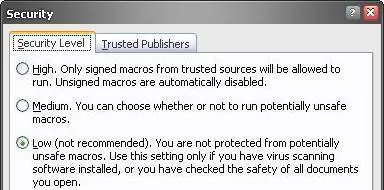
If you are using Excel 2000 or 2003, click menu ===> Tools ==> Macro ===> Security. Choose Low security level.


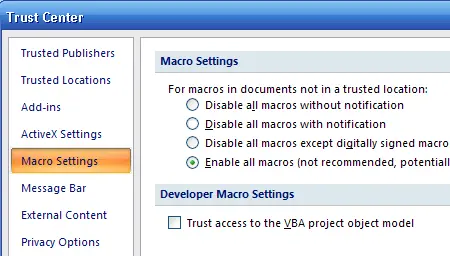
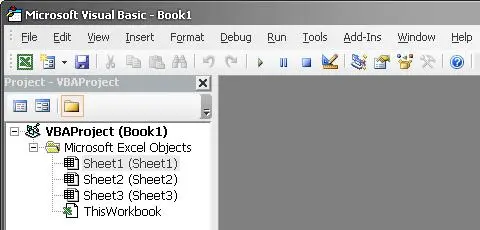
Step 3. Press ALT + F11 to open Microsoft® Visual Basic editor.
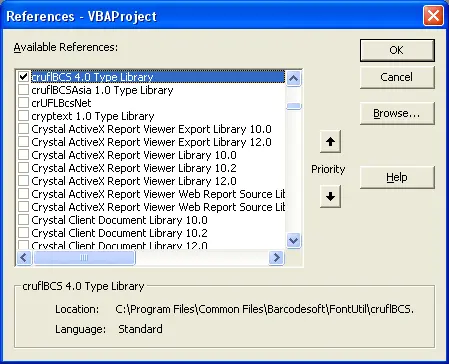
Step 4. From Visual Basic editor, choose menu Tools ===> References. It will popup a dialog. Click Browse button and choose cruflbcs.dll from your working folder. Usually it's under C:\Program Files (x86)\Common Files\Barcodesoft\Fontutil folder. Click the checkbox beside crUFLBcs 4.0 Type Library as shown below. Then click OK button.
Step 5. Press Ctrl+M, it will popup a dialog, choose barcodesoft.bas under C:\Program Files (x86)\Common Files\Barcodesoft\Fontutil folder. Then click "Open".
If you don't find barcodesoft.bas, please download it from QRCode.
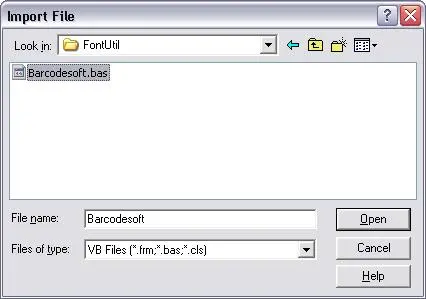
Step 6. Close Visual Basic and go back to your spreadsheet. Now, you can use the following macro to encode data: qrcode. When you have lots of data to process, you can just copy and paste the QRCode macro to the whole column / row of data. All your QRCode will be ready immediately.
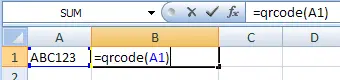
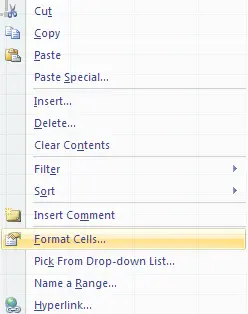
Step 7. Right click Cell B1, choose Format Cell from context menu as shown below.
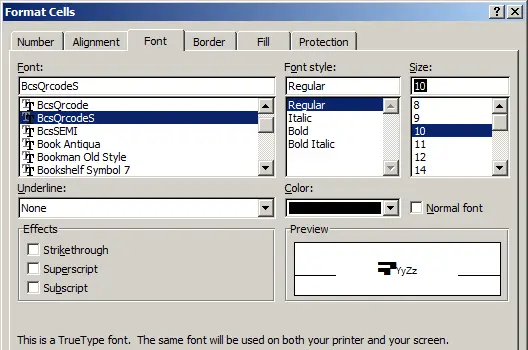
Step 8. Click Font tab and choose BcsQRCodeS as font typeface as shown below.
Step 9. Click Alignment tab and select "wrap text" as shown below.
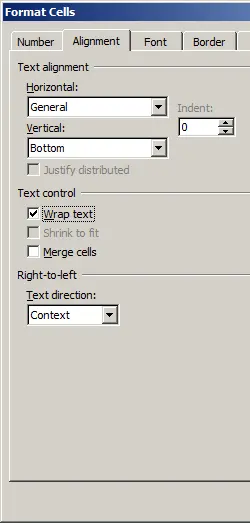
Step 10. Click OK and you should be able to see QRCode barcode in your Excel spreadsheet now. There might be a small gap between different lines of QRCode. However, this won't be an issue when you scan the printed QRCode because bcsDatamatrixS true type font is designed to reduce this gap to mininum.