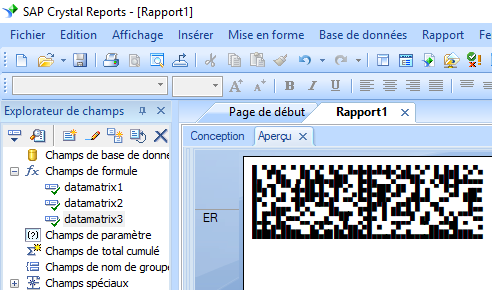
Data Matrix



Générer un data matrix dans les rapports Crystal
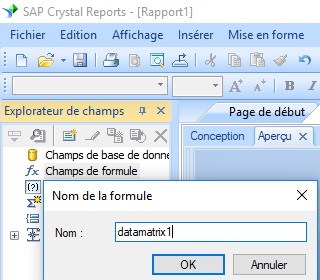
1. Ouvrez votre rapport de cristal. Cliquez avec le bouton droit sur Champs de formule, choisissez "Nouveau ..." dans le menu contextuel.
Tapez "datamatrix1" dans la zone de texte.
2. Cliquez Fonctions ==> Fonctions supplementaires ==> UFL COM et .NET(u212com.dll), Cliquez "BcsDatamatrix" fonction.
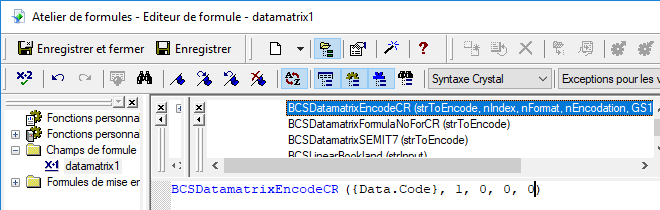
3. Tapez le champ de base de données en tant que paramètre pour la formule data matrix. cliquez sur le bouton "Enregistrer".
La longueur maximale de la chaîne 'champ de formule' de Crystal Reports est de 254. Par conséquent, nous devons créer plusieurs champs de formule.
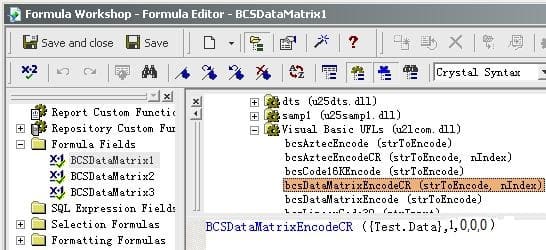
4. Faites glisser le champ de formule data matrix vers votre rapport Crystal.
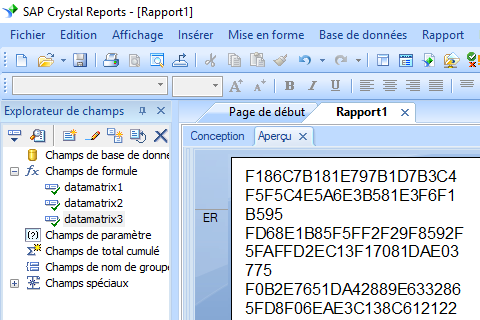
5. Clic droit champ de formule data matrix. Choisissez "Format du champ" dans le menu contextuel. Choisissez de police "BcsDatamatrix".
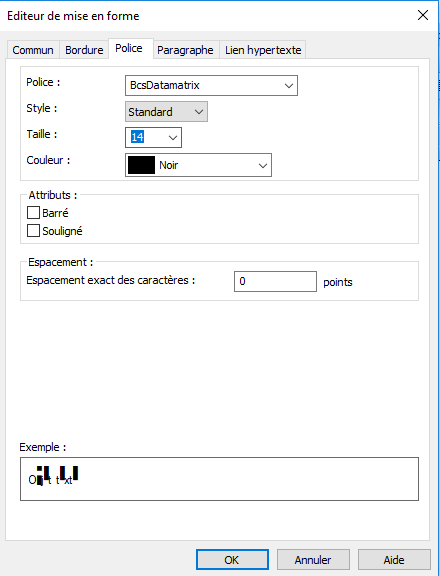
Cliquez sur le bouton OK. Vous verrez le code à barres data matrix dans votre rapport.